ProAdmin Tip: Work Faster with Multi-Edit!
Did you know…
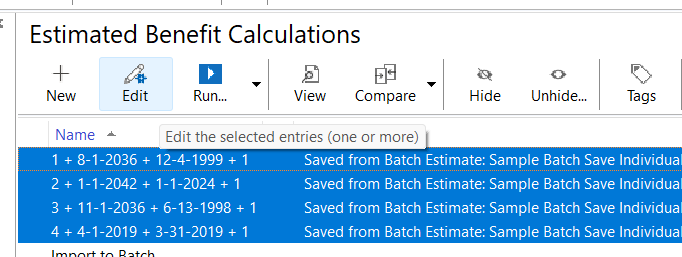
In the Estimate, Final, and Batch calculation libraries, users have the ability to edit multiple records at once for input items such as Database Linkage, Plan Definition, Census Specifications, Projection Assumptions, and Output Definition. This time saving tool can be very helpful during the testing process.
For example, if there is a new database linkage to be tested after the suite of estimates has already been created, select the desired calculations (for example, using CTRL+click), click the edit button, make the changes, and replace. Only parameters which have been changed are saved.
Multi-edit is available wherever the edit button is a pencil with a blue star.