ProAdmin Tip: Calculating Age Last Birthday in an Expression
Did you know…
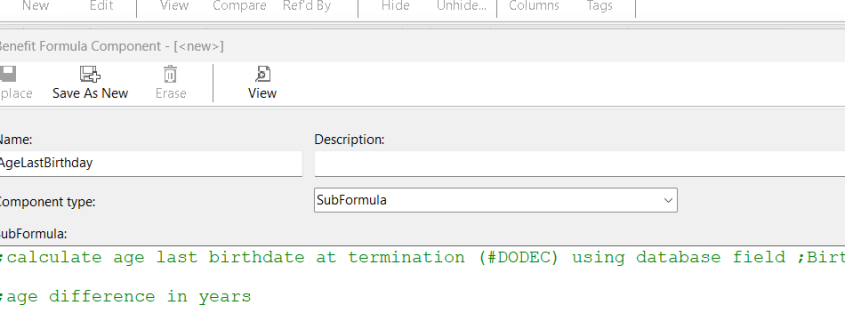
During the coding process, it may be necessary to capture the age of a participant within an expression. A common example of this is determining early retirement eligibility that can’t be handled in an eligibility definition. Keep this expression handy for determining age at termination.
Lines starting with a semicolon are notes for clarity:
We encourage you to visit the FAQ section of the Help to review other insights and examples for handling dates and age math in ProAdmin expressions.
Additional Resources
More information on this can be found in ProAdmin Help using the following links:
Administration Tools
Benefit Component Tables