ProAdmin Tip: Edit your benefit setup from inside calculation results to see immediate impact!
Did you know…
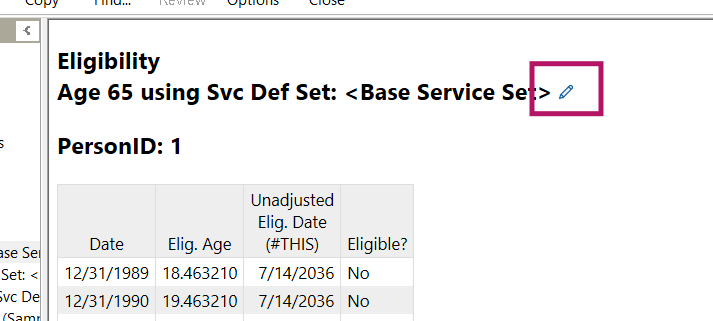
The edit button in a calculation result allows you to update a service definition, benefit component, benefit formula, or other benefit piece, and rerun without leaving the calculation details.
While viewing individual components of a calculation result, an edit button becomes available. This button will open the form and allow you to make changes and save them. Once replaced, the calculation will rerun and you will see the resulting updates immediately.
Instant results make updating benefit definitions and troubleshooting discrepancies a more seamless process.
Additional Resources
More information on this can be found in ProAdmin Help using the following links:
Administration Tools
Benefit Component Tables